Tools✳
What a tool does, where it fits and how to put it to work. Practical guides for a fast-moving toolkit.

Figma Make: explore an interactive design concept
Figma Make is most useful when an interactive concept needs to be experienced rather than described.

Midjourney: build a consistent visual direction
A consistent Midjourney direction begins with a visual system, not a different collection of adjectives for every image.
Recraft: develop a coherent illustration family
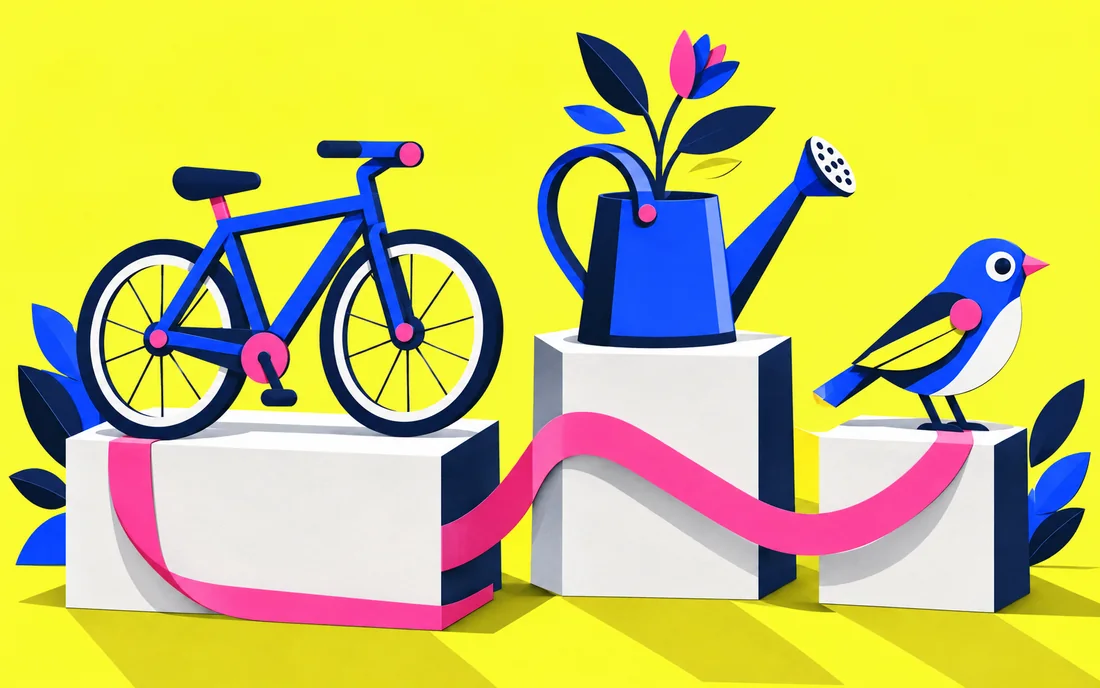
Recraft can support an illustration family when shared rules leave room for different article ideas.
Veo: write a production brief for generated video
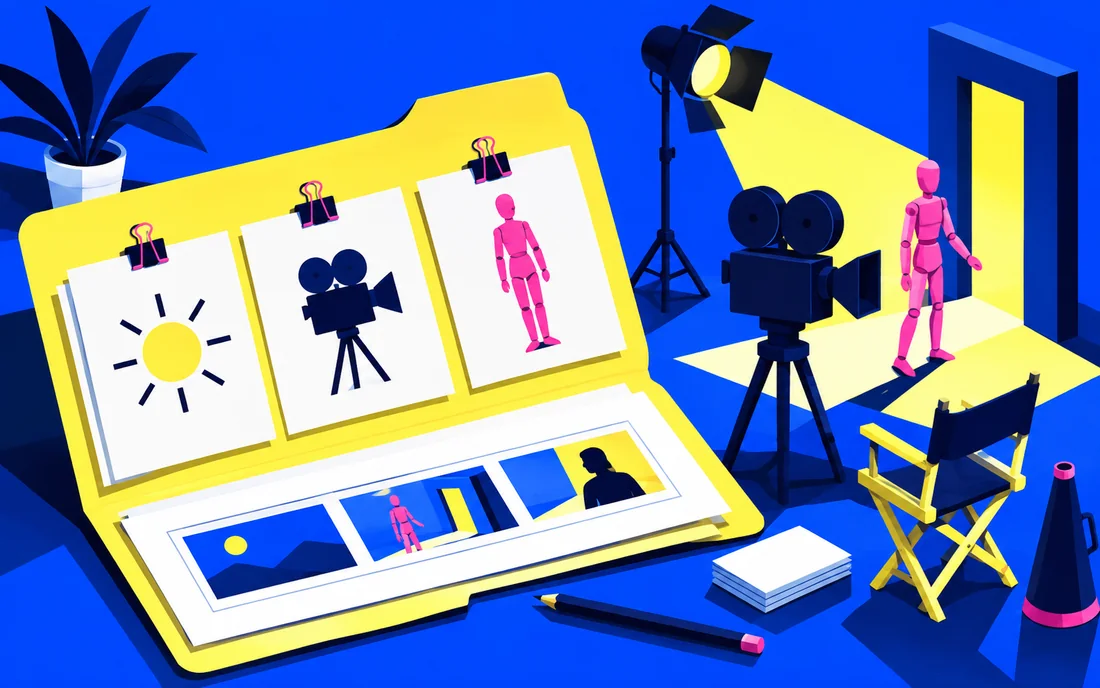
A Veo brief should read like a small production plan: subject, action, camera and intended use.
Synthesia: structure a training video before production
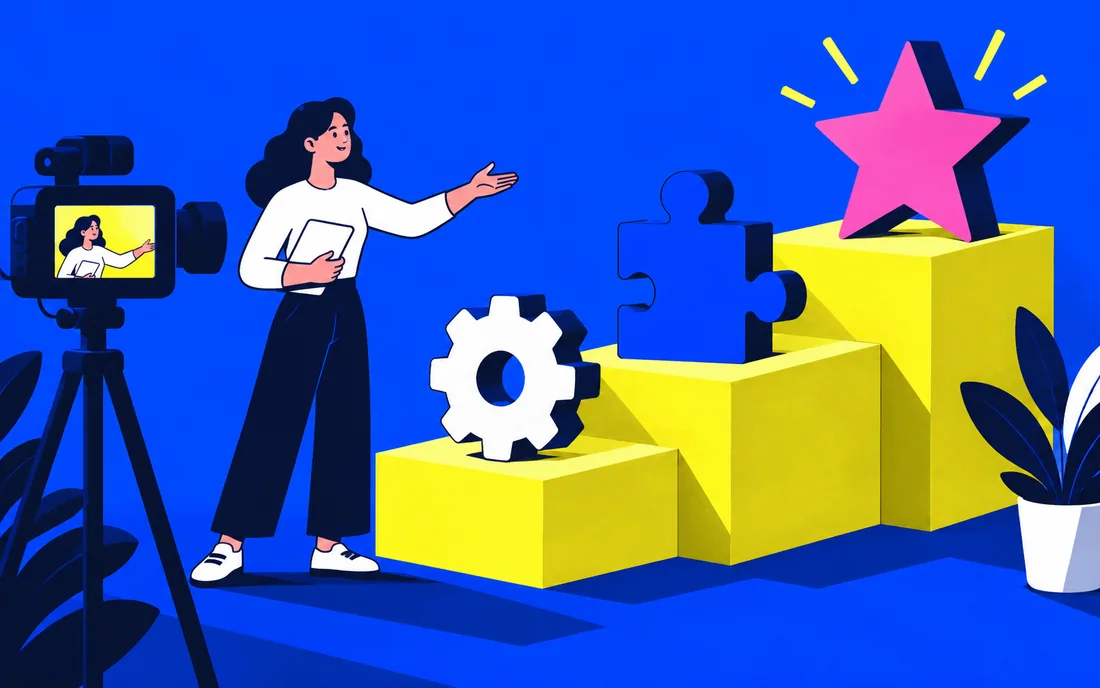
Synthesia can support training-video production when the lesson is structured around a specific learning outcome.
Suno: brief a musical concept with clear intent
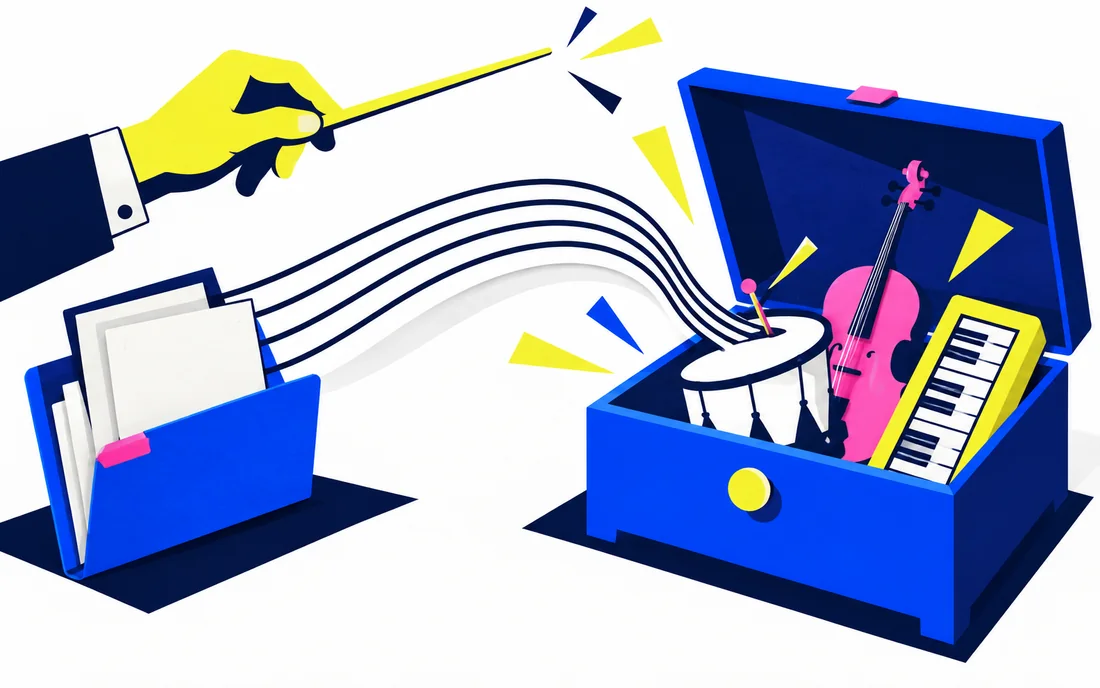
A useful Suno experiment begins with a musical purpose and a brief you can compare with the result.

Bolt: build a focused browser-based prototype
Bolt can be a useful place to develop a focused prototype with a visible result and inspectable code.

Adobe Firefly: direct a visual generation workflow
Firefly generation improves when the brief gives the image a clear job in the final design.
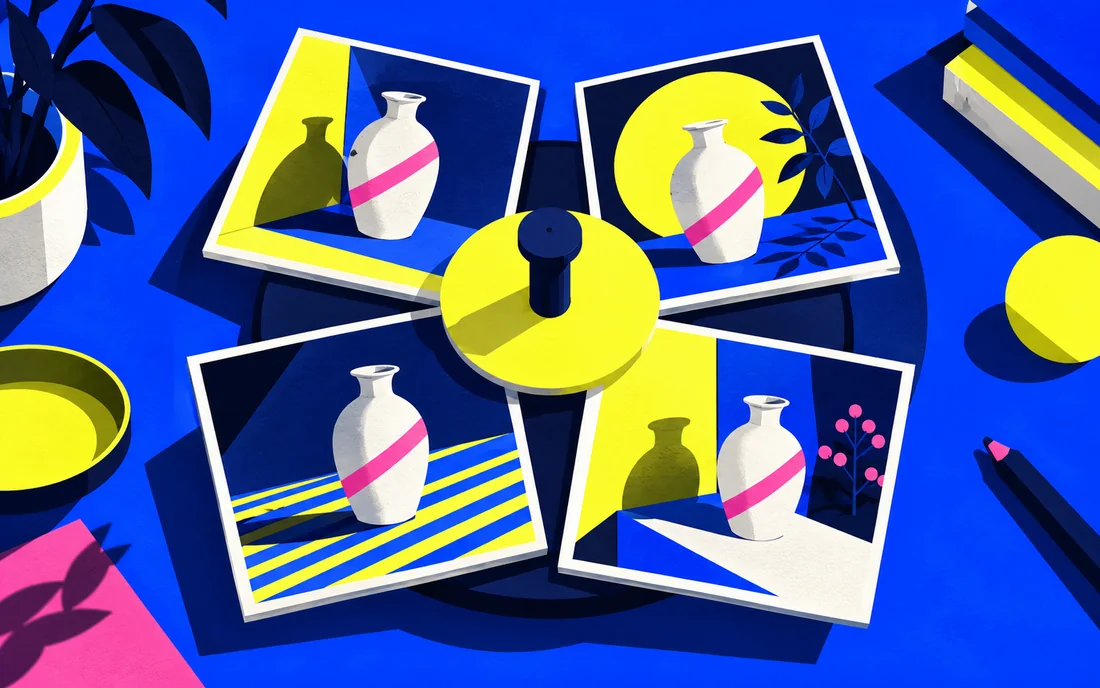
Leonardo: organize image experiments around one art direction
Organise Leonardo image experiments around a defined direction so useful decisions survive between generations.

Cursor: review an AI-assisted code change with context
Cursor is easier to evaluate when the task ends in a small, inspectable code change.

Devin Desktop (formerly Windsurf): keep AI coding reviewable
The former Windsurf editor now appears as Devin Desktop. Keep the workflow grounded in the current product and a focused change.
v0: turn interface requirements into a working starting point
Use v0 with an interface brief that describes behaviour as well as appearance.