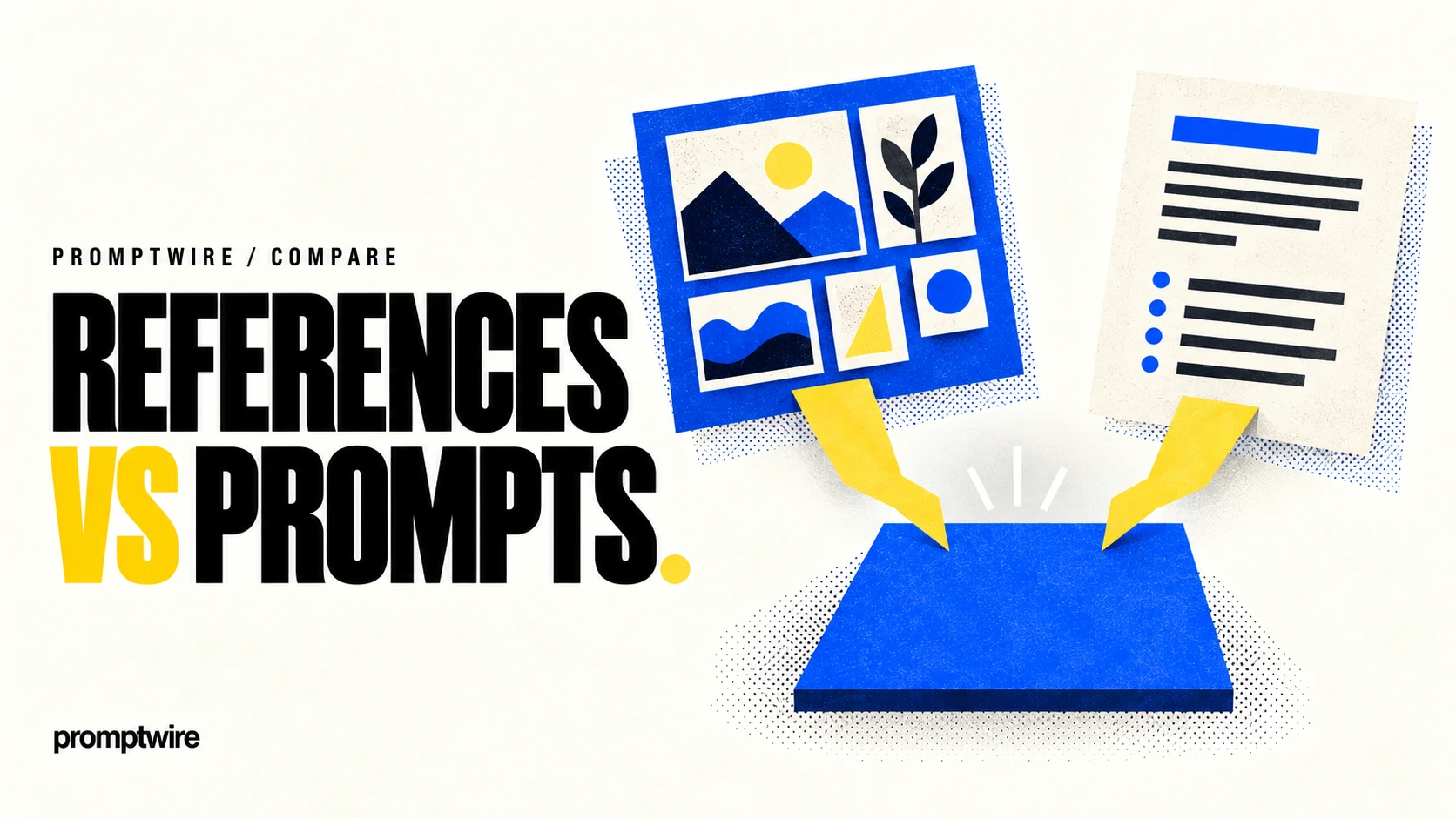
State the subject, action and composition. An illustration about document automation could show a messy set of pages becoming an organised workflow. That is more useful direction than asking for a generic futuristic business image.
Control the constraints
Describe palette, rendering style and the space the image must occupy. Use supported references or editing controls where they help preserve the intended direction. Keep essential details away from likely crop areas, especially for article thumbnails.
Review before production
Check whether the generated scene communicates the intended idea and whether objects remain coherent at the final size. Add precise labels and factual annotations through the appropriate design workflow rather than trusting generated lettering. Consult current Adobe terms and feature documentation for commercial use and available controls. This is a source-based workflow guide, not a claim that every output meets a particular licensing or quality standard. The useful result is an asset that fits a real communication need and survives final review.
Define what an image edit may change
Use reference material you are authorised to edit. In Adobe Firefly, request one bounded change and list the details that must remain stable, such as a product's silhouette or a person's clothing. Inspect the full image at useful resolution, including edges and small details. Check the current terms for the feature used. This proposed test separates successful generation from controlled editing and avoids assuming that a pleasing result preserves the original asset accurately.
Questions readers ask
Is an attractive image edit automatically a faithful one?
No. Compare the unchanged regions and important product or identity details as well as the requested modification. Unintended changes can undermine the asset's purpose.
Follow the evidence.
AI-assisted, source-based workflow guide. The exercise above is a proposed evaluation, not a hands-on test or a scored review. Check current product documentation for features, availability and terms.
Public sources support the factual background. Analysis and illustrative exercises are identified in the text. How we assess AI · Editorial standards
Spot a factual error or an outdated detail?