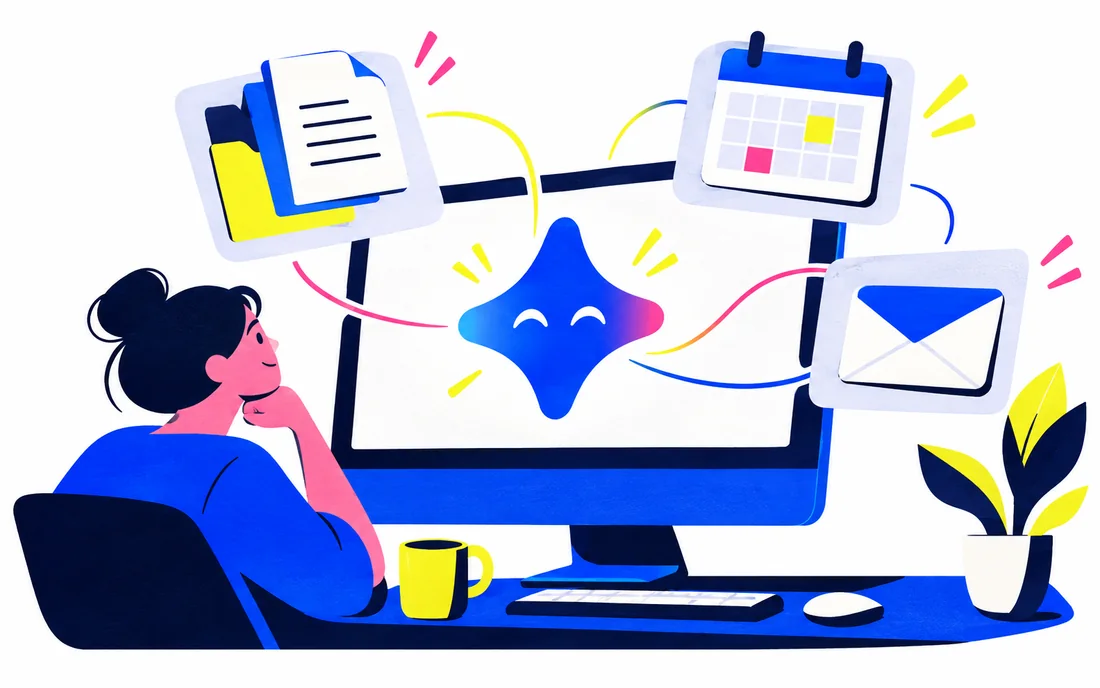
Google launched the Gemini app for Windows on September 10, with availability for Windows 10 and 11. The announcement highlights an Alt + Space shortcut, a dedicated workspace and access to existing Gemini features. Some capabilities require an eligible Google AI subscription and have age or availability restrictions.
Read the dated primary source ↓Why placement matters
A desktop entry point can make assistance easier to reach during ordinary work. That is a distribution change as much as a model change. Convenience does not establish that an answer is correct or that every connected source should be available to the assistant.
What to check
Review connected-app permissions and confirm which features your account actually includes. Try a bounded task, such as drafting from a permitted document, and inspect the source material behind the result. Evaluate whether the app reduces interruptions without creating uncertainty about what context it used.
What this means in practice
Desktop access can reduce the distance between an assistant and everyday work, but the operating system location alone does not establish which files or applications it may access. Review the available feature set and permissions. Measure whether the desktop workflow reduces copying and context preparation without creating unclear information boundaries.
Questions readers ask
Does a desktop AI app automatically run its model locally?
No. Interface location and processing location are different. Check the product's actual data flow and configuration.
Follow the evidence.
Source-based coverage of the dated announcement below, with Promptwire analysis. Company-reported claims are attributed to their source. The update date reflects added context and answers; it does not change the original event date.
Public sources support the factual background. Analysis and illustrative exercises are identified in the text. How we assess AI · Editorial standards
Spot a factual error or an outdated detail?