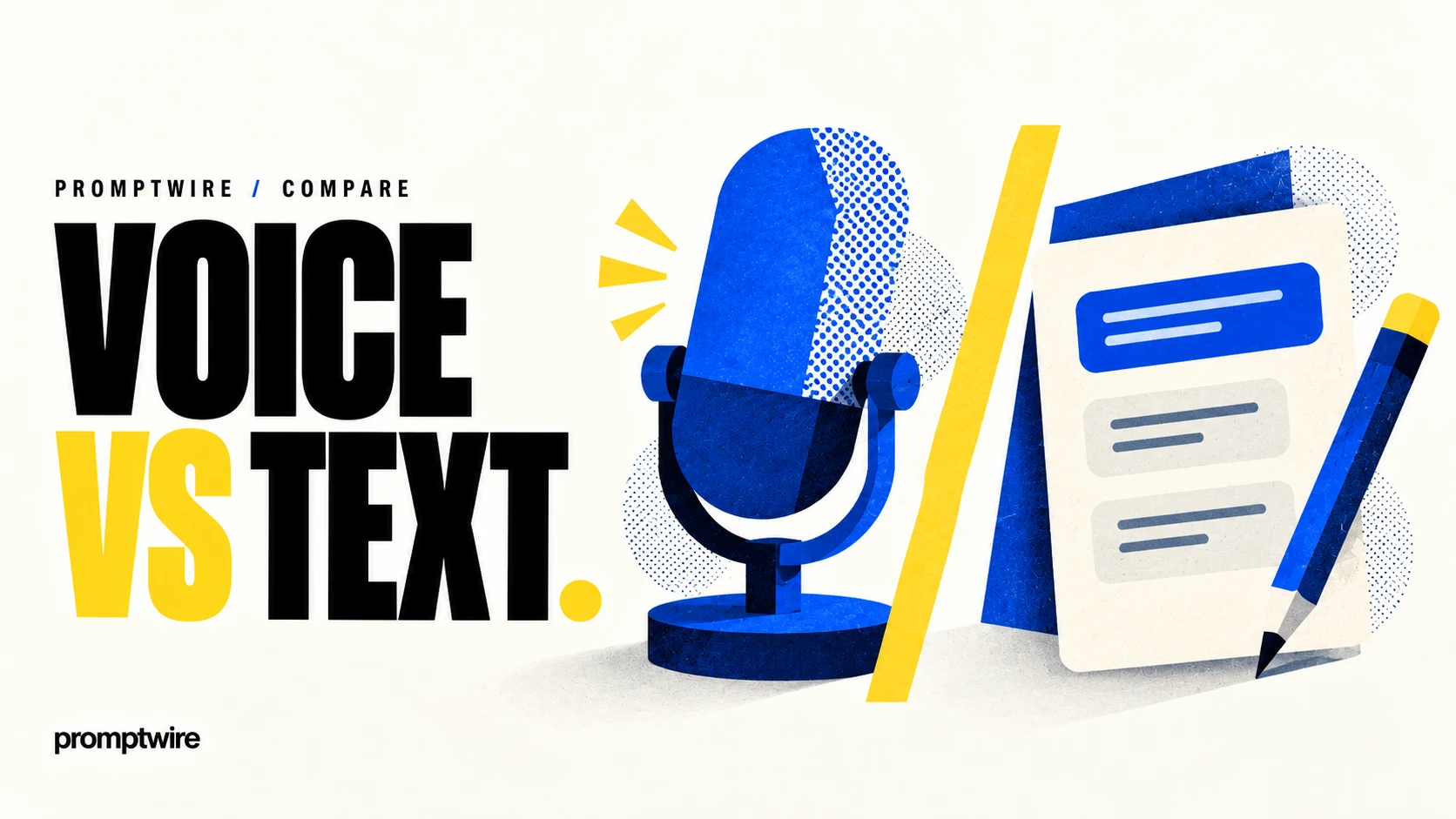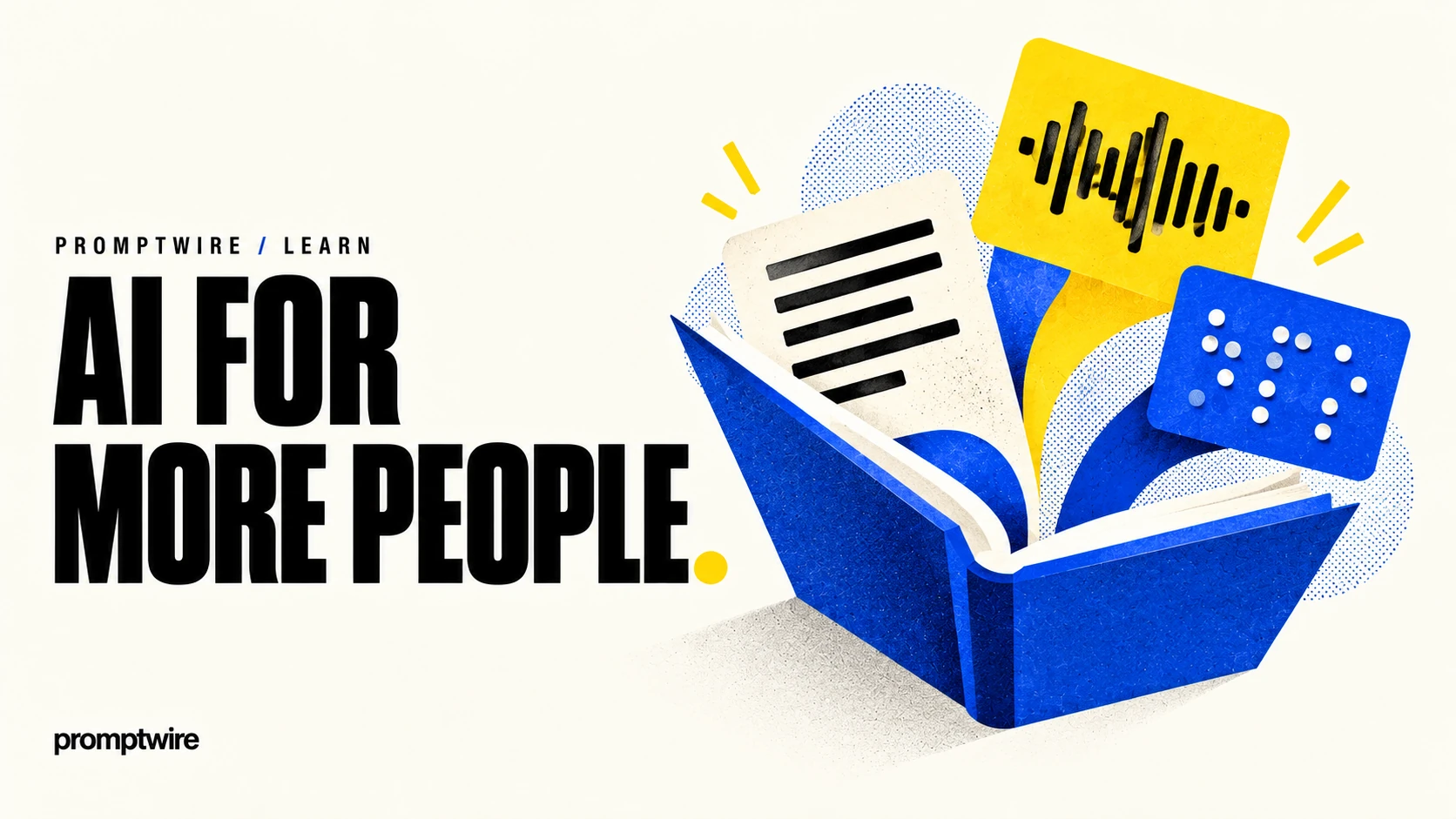
Accessible AI design helps people use a system across differing abilities, devices and environments. It includes understandable content, navigable controls and alternatives to a single input or output mode. Adding voice or AI-generated captions alone does not establish accessibility.
Preserve meaning across formats
Use clear headings, descriptive links and understandable labels. Supply appropriate text alternatives for images and transcripts or captions for audio and video. Do not rely only on colour or animation to communicate something essential.
Check the interface
People may use keyboards, screen readers, voice input or enlarged text. Controls need clear names and visible focus. Streaming output should remain navigable, and a person should be able to interrupt or revisit it without losing their place.
Test real reading tasks
On an article page, verify that a reader can locate the title, move between sections and follow the sources without a mouse. Review generated alternative text to ensure it captures the image’s relevant meaning. Involve people with suitable access needs when evaluating the product. AI may help produce alternative formats, but those formats still need inspection. Accessibility works best when it shapes the original experience rather than arriving as an extra summary after the main design is finished.
A worked example
Test a simple assistant with a keyboard and on a narrow screen. Ensure its status and errors are understandable, and provide text for important audio information. Check whether someone can correct a mistaken input without starting over. For a video, review captions for meaning and timing. These checks should be informed by actual user needs rather than assuming one modality works for everyone.
Questions readers ask
Does adding voice make an AI product accessible to everyone?
No. Voice helps some users and creates barriers for others. Provide suitable alternatives and evaluate the complete interaction with the intended audience.
Follow the evidence.
AI-assisted explanation with linked technical references. Examples are illustrative learning exercises, not reported customer deployments or experimental results.
Public sources support the factual background. Analysis and illustrative exercises are identified in the text. How we assess AI · Editorial standards
Spot a factual error or an outdated detail?